
How to Make a Fake Facebook Account requires using a distinct email address or phone number, navigating to the signup page, and entering details that don’t trigger automated verification checks. People often seek a separate presence on social media for privacy testing, managing business pages without exposing personal connections, or participating in specific community groups under a professional alias. While Meta enforces a strict real-name policy across its platforms, understanding how accounts are created, flagged, and maintained is essential knowledge for digital marketers, quality assurance testers, and privacy advocates. This guide covers the technical steps, platform rules, and common obstacles involved in establishing an alternative profile.
Key Takeaways
- You must use a unique email address or mobile phone number that isn’t currently linked to any existing Facebook account.
- Meta’s automated systems actively scan for duplicate profiles, meaning identical IP addresses or device identifiers frequently trigger immediate suspensions.
- Using a dedicated email provider like ProtonMail or Tutanota helps maintain separation between your primary identity and your secondary profile.
- Filling out profile details gradually over several days prevents algorithms from flagging the new registration as automated spam.
- Violating the platform’s terms of service can result in permanent bans that extend to your legitimate, primary accounts.
- Understanding these mechanics is vital for professionals conducting authorized security research or managing isolated brand assets.
Why Create a Secondary Profile?
Professionals often need a separate online presence to compartmentalize their digital lives. Digital marketers frequently establish isolated accounts to manage client advertising campaigns without linking those activities to their personal networks. Quality assurance teams at software companies require test profiles to evaluate application integrations, ensuring that third-party tools interact correctly with the social network’s API. Privacy researchers also utilize secondary accounts to study algorithmic behavior, observing how content recommendations shift based on different demographic inputs.
Another common reason involves joining niche community groups where a user prefers not to reveal their full legal name or primary identity. For instance, individuals participating in support groups or local buy-and-sell communities might want a layer of separation.
However, it’s crucial to distinguish between a secondary profile used for legitimate organizational purposes and one intended for deceptive practices. The platform’s infrastructure is designed to detect and penalize the latter aggressively. Maintaining clear boundaries ensures you don’t inadvertently violate community standards.
How to Make a Fake Facebook Account
To understand how to make a fake Facebook account, you must first examine the standard registration workflow and the variables that influence it. The process begins on the main login page by selecting the option to create a new profile. You’ll be prompted to enter a first name, last name, mobile number or email address, a new password, your date of birth, and your gender. Every single field is evaluated by backend security algorithms before the account is fully provisioned.
Using a temporary email forwarding service or a newly registered domain inbox is the standard approach for this step. Providers such as Gmail or Outlook allow you to generate aliases, but dedicated privacy-focused services offer better isolation.
Once the initial form is submitted, the platform sends a numeric confirmation code to the provided contact method. Entering this code verifies ownership of the email or phone number and activates the basic profile shell. At this stage, the account exists but lacks the history required to appear legitimate to automated moderation systems.
Choosing Contact Information
The most critical decision during setup is selecting the contact information. Reusing a phone number associated with another profile guarantees immediate linkage in Meta’s databases. Instead, users typically rely on virtual phone number applications or secondary SIM cards. Services like Google Voice provide US-based numbers that can receive SMS verification texts. Alternatively, purchasing a prepaid SIM card from carriers like Mint Mobile or T-Mobile offers a physical layer of separation.
| Contact Method | Cost Range | Reliability for Verification |
|---|---|---|
| Privacy Email (ProtonMail) | Free to $5/month | High, rarely blacklisted |
| Virtual Number (Google Voice) | Free | Moderate, sometimes flagged |
| Prepaid SIM Card | $10 to $30 | Very High, appears as standard mobile |
| Temporary SMS Services | $1 to $5 per text | Low, heavily monitored by platforms |
Navigating Platform Rules and Policies
Meta explicitly prohibits maintaining more than one personal account. This rule is enforced through both automated detection mechanisms and manual user reporting. When the system identifies a violation, it typically disables the newer account first, though repeated offenses can lead to the suspension of all associated profiles.
For professionals who legitimately need to separate their personal life from their work, Meta introduced “Additional Personal Profiles” in late 2023. This feature allows a single verified user to create up to four supplementary profiles under one main login. These additional profiles share the same underlying verification but present different names and friend lists to the public. Utilizing this official feature is the only guaranteed way to maintain multiple presences without risking a ban for violating platform policies.
Technical Requirements for Setup
Establishing a secondary profile successfully requires attention to your digital footprint. Social networks track browser fingerprints, which include your screen resolution, installed fonts, operating system version, and browser extensions. If you register a new account using the exact same browser configuration as your primary account, the platform links them instantly. To prevent this, professionals often use distinct web browsers—such as Mozilla Firefox for one account and Brave for another—or utilize container tabs that isolate cookies and local storage.
Network routing is equally important. Registering two accounts from the same home Wi-Fi router within a short timeframe raises red flags. Switching between a home broadband connection and a cellular data network disrupts this tracking. A unique digital fingerprint ensures that the platform’s security algorithms view the new registration as originating from an entirely different individual, rather than an existing user attempting to circumvent the single-account rule.
Building a Believable Profile History
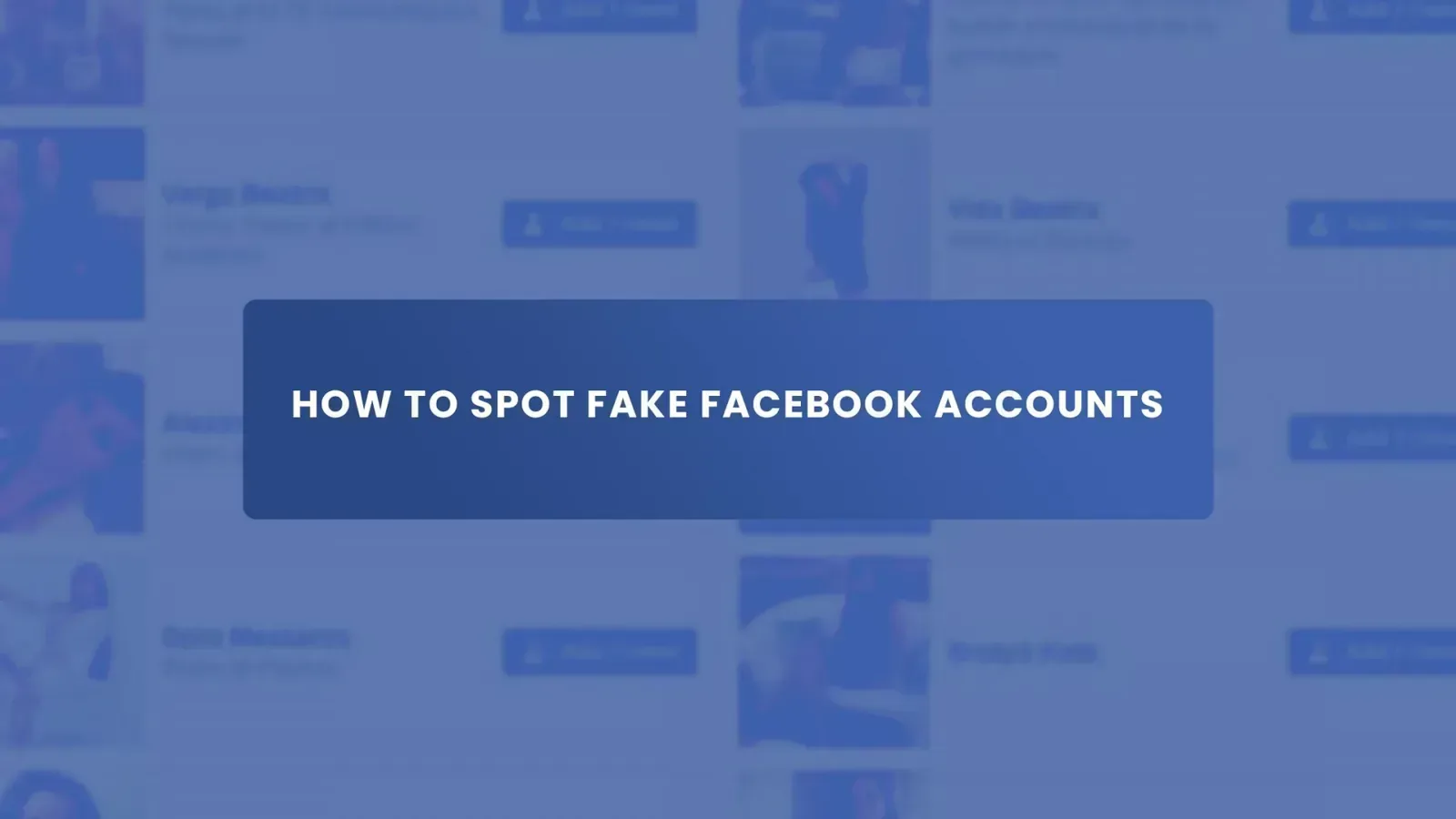
A newly created account with no friends, no photos, and no activity is highly susceptible to automated deletion. To stabilize the profile, you must simulate organic user behavior. This begins with uploading a profile picture. Avoid using stock images or AI-generated faces that have been widely distributed online, as reverse image search tools employed by the platform will identify them. Instead, use original photography or images cleared for exclusive use.
Next, populate the “About” section gradually. Don’t fill out every field on the first day. Add a workplace or educational institution on day one, update your hometown on day three, and add a few interests on day five.
Joining relevant groups and interacting with public posts also builds a behavioral history. Liking posts from established news outlets, such as Reuters or the Associated Press, signals normal engagement patterns. This slow accumulation of data creates a behavioral baseline that mimics a genuine human user.
| Timeline | Action Item | Purpose |
|---|---|---|
| Day 1 | Verify email, upload profile photo | Establishes basic account validity |
| Day 3 | Update About section partially | Adds depth to the profile metadata |
| Day 7 | Join two to three relevant groups | Demonstrates community interest |
| Day 14 | Initiate low-volume interactions | Builds historical engagement data |
Common Obstacles During Creation
The most frequent hurdle users face is immediate account restriction upon registration. Meta employs aggressive machine learning models to detect suspicious signups. If your IP address belongs to a known data center or a frequently abused subnet, the account may be locked before you even log in. Similarly, using an email domain that has been associated with previous spam activity will trigger an automatic block.
Another significant obstacle is the photo ID verification checkpoint. If the platform suspects the account is inauthentic, it will disable it and demand a government-issued identification document to restore access. Because secondary accounts don’t use real legal names, passing this checkpoint is nearly impossible without compromising the anonymity you sought to establish. This is why relying on the official “Additional Personal Profiles” feature is recommended for anyone who can’t afford to lose access due to identity verification demands.
Can You Use a Pseudonym Legally?
Using a pseudonym on social media is generally not illegal under United States law, provided it isn’t used to commit fraud, harassment, or impersonation of a specific real-world individual. The First Amendment protects anonymous speech, and courts have historically upheld the right to use pen names or aliases online. However, while it may not violate criminal statutes, it directly violates the private contractual agreement—the Terms of Service—you accept when creating an account.
Consequently, the risk is administrative rather than criminal. The platform reserves the right to terminate your access at any time for breaching their naming conventions. If you’re using a pseudonym for a legitimate business purpose, such as an author promoting a book under a pen name, Meta recommends creating a Business Page rather than a personal profile.
Pages allow you to operate under a brand or pseudonym without conflicting with the personal account real-name requirements. Understanding the distinction between legal rights and contractual obligations is essential.
What Happens if You Get Caught?
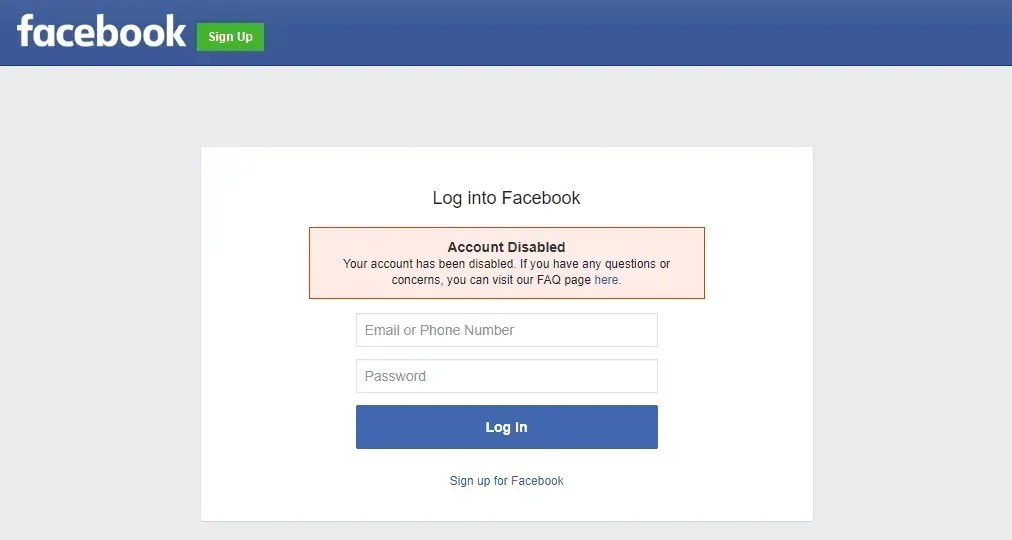
When Meta’s systems definitively link a secondary account to a primary one, the consequences escalate quickly. Initially, the secondary account will be disabled. You’ll see a message stating that the account doesn’t comply with community standards regarding authentic identity. If you attempt to appeal this decision without valid documentation, the appeal will be denied.
If the platform determines that you’re repeatedly creating unauthorized accounts, they may disable your primary, legitimate profile as well. This results in the loss of years of photos, messages, and connections. Furthermore, your device identifier and IP address may be added to a blocklist, preventing you from creating any new accounts in the future.
For businesses relying on Facebook Ads Manager, a ban on your personal profile can cascade into disabling your advertising accounts, halting marketing operations entirely. The collateral damage from a cascading account ban can be severe.
Are There Better Alternatives Available?
Given the strict enforcement of platform rules, exploring official alternatives is often more productive than attempting to bypass them. As mentioned, Meta’s native “Additional Personal Profiles” feature is the safest route for individuals needing separation. It operates within the bounds of the Terms of Service and protects your primary account from suspension.
For businesses, utilizing Meta Business Suite allows multiple team members to manage pages and ad accounts without sharing personal login credentials. Each employee uses their own verified personal profile to access the business assets, maintaining security and compliance.
If your goal is simply to browse without being tracked, adjusting the privacy settings on your existing account—such as restricting who can see your friends list or limiting past post visibility—often achieves the desired privacy without requiring a second profile. Evaluating these official alternatives saves time and prevents unnecessary risk.
Managing Multiple Accounts Safely
If you must operate multiple profiles for authorized testing or management, strict operational security is required. Never log into both accounts simultaneously in the same browser window. Utilize dedicated browser profiles—for example, creating a specific Chrome profile solely for the secondary account. This isolates cookies, cache, and session tokens.
Additionally, avoid cross-interaction. Don’t send friend requests between your primary and secondary accounts. Don’t like or comment on each other’s posts. Any direct interaction provides the platform’s graph analysis tools with the exact data needed to link the identities. Treat the accounts as completely isolated entities that exist on different devices in different locations. Maintaining this strict operational separation is the only way to minimize detection risk.
| Management Strategy | Implementation Method | Risk Level |
|---|---|---|
| Browser Isolation | Separate Chrome/Firefox profiles | Low |
| Network Separation | Cellular data vs. Home Wi-Fi | Low |
| Cross-Interaction | Liking/friending between accounts | Extremely High |
| Device Sharing | Same smartphone app for both | High |
Frequently Asked Questions
Can I make a Facebook account without a phone number?
Yes, you can register using an email address instead of a mobile phone number. However, the platform increasingly pushes users toward phone verification to combat spam. Using a secure email provider improves your chances of completing the signup process without immediately being asked for SMS verification.
Will Facebook know if I have two accounts?
Meta uses sophisticated tracking methods, including IP addresses, device IDs, browser fingerprints, and behavioral patterns, to identify duplicate accounts. If you register a second account using the same internet connection and device as your first, the system will likely link them automatically.
Is making a false profile illegal?
Creating a profile under a false name violates Facebook’s Terms of Service, which is a civil contract, not a criminal law. However, using a false profile to defraud, harass, or impersonate someone for financial gain can violate state and federal laws regarding identity theft and wire fraud.
How long does a new account last?
A new account that exhibits spam-like behavior, such as sending dozens of friend requests immediately, may be disabled within hours. Conversely, an account built slowly with organic interactions and proper isolation techniques can remain active indefinitely, provided it avoids triggering automated security reviews.
Can I use a temporary email for Facebook?
While you can technically enter a temporary email address during registration, Facebook maintains a blacklist of domains associated with disposable email services. Using one often results in immediate registration failure or an instant request for alternative verification methods.
Conclusion
If you require a separate presence for professional reasons, review Meta’s official guidelines on Additional Personal Profiles to ensure you remain compliant with current platform rules. Taking the authorized route protects your digital assets and prevents unexpected disruptions to your primary communications.