
How to Farm Facebook Accounts: You should mimic the natural activity of a real human over a period of 14 to 30 days when you farm facebook accounts.
Setting up your Facebook accounts for farming
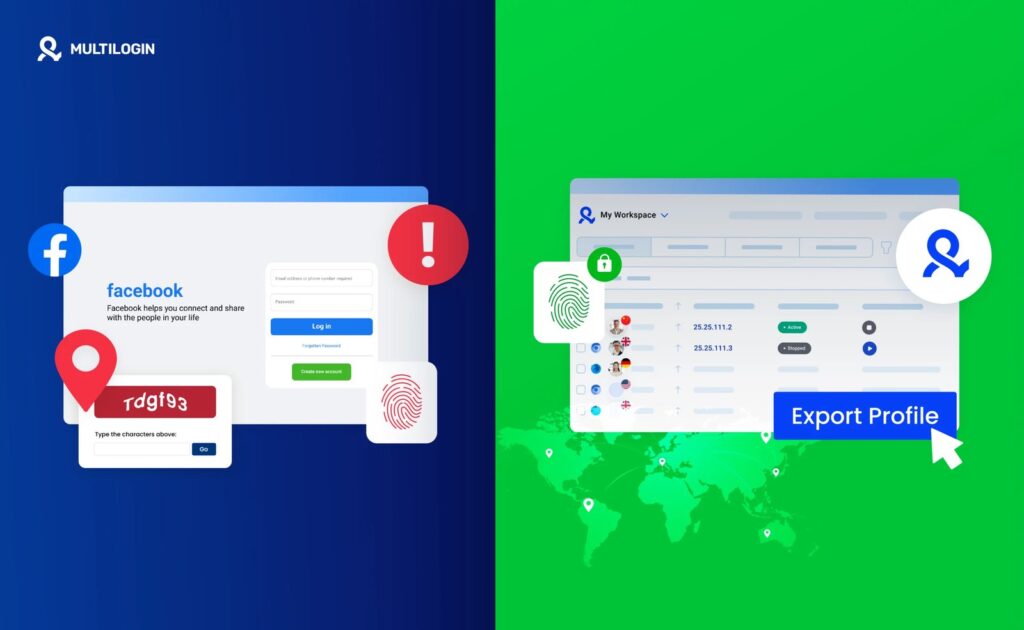
To begin this process, you must gather specific tools to ensure each account appears distinct to the platform’s security systems. Using the same data for multiple profiles will lead to immediate flagging.
A high-quality residential proxy ensures your IP address looks like a home connection rather than a data center. Avoid datacenter proxies, as their static ranges are often blacklisted by major platforms within minutes of use.
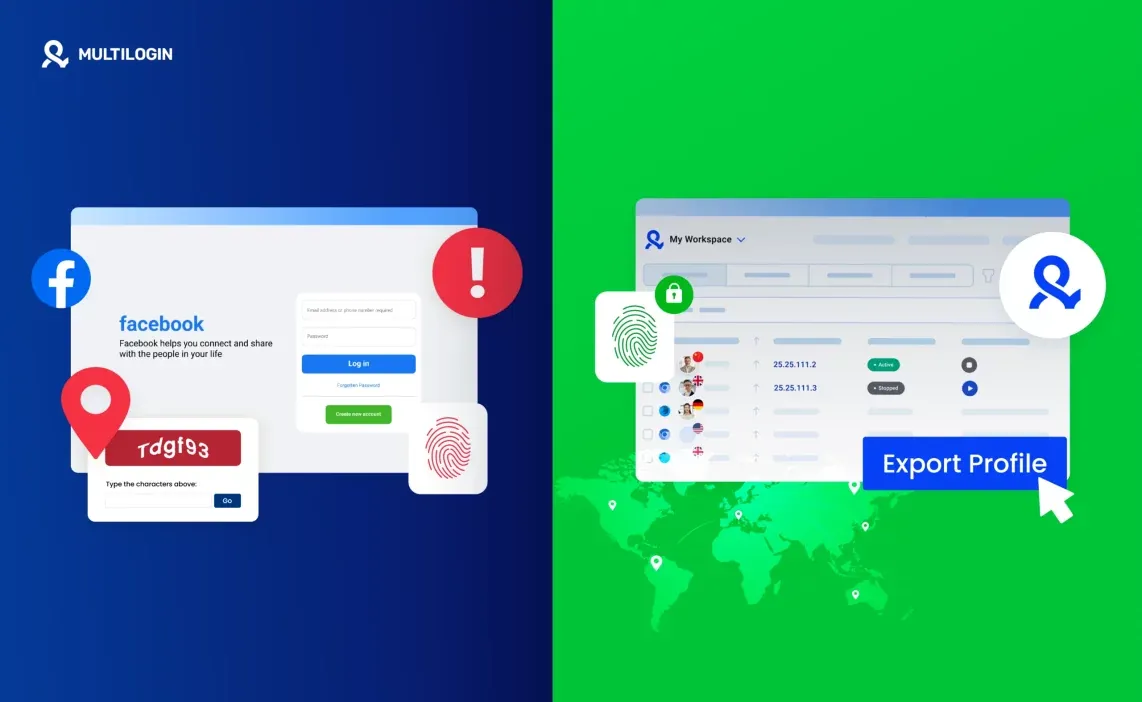
Software that masks your hardware fingerprint makes each session appear as if it’s coming from a unique physical computer. If you’re managing fewer than three accounts, a separate user profile on a standard browser may suffice, but this carries a high risk of leaking your digital fingerprint through shared WebGL or canvas data. For larger operations, invest in a dedicated antidetect browser to automate these hardware obfuscations.
Use a real SIM-based number for two-factor authentication. Virtual VoIP numbers are easily identified by automated systems and are often blocked outright during registration. If you can’t secure a physical SIM, use a burner service that explicitly guarantees “non-VoIP” status.
Choose a private email provider not associated with your other accounts. Use a unique, high-resolution set of original images to populate the profile and establish a human identity. Avoid stock photography, as reverse image searches will flag your account as a bot.
Clear your cache and cookies before every new session. If you log into two accounts from the same browser instance without a full reset, the platform will link your cookies and terminate both sessions simultaneously. Always verify your setup by checking your browser’s leak score on a site like BrowserLeaks before logging in.
Steps for Building Profile Authority
- Configure the browser environment: Set up your antidetect browser with a unique user agent and your dedicated residential proxy.
- Register the account: Use your unique email and phone number to sign up, ensuring you use a real name that matches your identification documents.
- Upload profile details: Add a clear profile picture and a cover photo, then fill in basic information like your city, school, or workplace to create a believable history.
- Interact with content slowly: Spend 5 to 10 minutes each day scrolling your feed, liking 2 to 3 posts, and watching a short video.
- Join relevant groups: Search for and join 3 to 5 public groups related to hobbies or local interests, but don’t post anything yet.
- Engage with the community: After 7 days, leave one or two short, polite comments on posts within those groups to show you’re a real person.
- Maintain consistency: Login for short periods at different times of the day, as a real person would, rather than working in long, robotic blocks.
Tip: Avoid adding more than 5 friends per day in the first two weeks, as rapid connection requests are a primary red flag for automated bot behavior. Careful: Never use automation scripts to perform these actions, as the platform detects non-human timing patterns instantly.
How Activity Levels Influence Success
The time you invest determines the strength of the profile. If you rush the setup, the platform will restrict your account, making it impossible to perform marketing tasks.
| Situation | Time Needed | What is Different | Watch For |
|---|---|---|---|
| Basic Personal | 14 days | Minimal activity | Account locks |
| Business/Brand | 30 days | High engagement | Content quality |
| Marketplace Prep | 45 days | Local group activity | Selling limits |
| Ad Account Prep | 60 days | Payment verification | Billing flags |
Begin with five minutes of browsing per day, increasing by only two minutes each session. If you log in from a new IP address, wait 24 hours before interacting with any content to avoid a security flag.
Most users fail by attempting to join ten groups or add fifty friends within the first hour. This aggressive behavior triggers an immediate security review that can permanently shadowban your account.
If your account is less than a week old, stick to passive consumption like scrolling or liking posts. If you’re past the thirty-day mark, you may begin posting original content twice weekly. Always treat the platform as a real user would; if your actions lack human patterns, the algorithm will treat you as a bot.
Identifying a Healthy Account
A healthy account interacts with content, joins groups, and navigates the platform without triggering a security checkpoint. If you encounter frequent identity verification prompts, your browser fingerprint or proxy IP is likely flagged as suspicious. This occurs when automated systems associate your connection data with known bot networks.
Always verify your proxy status before opening the browser. If the platform demands phone verification, your IP is already burned; stop immediately to avoid a permanent ban.
If you’re managing multiple accounts, assign one dedicated proxy to each profile. Never rotate IPs while a session is active. Using a single proxy for more than three accounts triggers a cluster detection, leading to a shadowban. When in doubt, clear your cache and cookies before starting a new session.
Usage Standards and Maintenance
The main rule for long-term health is to operate within the guidelines set by Meta’s Terms of Service. Once your account is established, you must continue to log in at least three times a week to keep the profile active.
If you’re managing accounts for a business, ensure you have the proper legal authorization to act on behalf of that entity. Professionals often use dedicated business managers to handle these tasks, which provides a safer environment than personal profiles.
Most users fail by linking personal accounts to business assets, which risks a total lockout if the individual profile is restricted. If you share access, use the platform’s native role-assignment tools rather than sharing login credentials. If you see a notification regarding policy updates, review them immediately. Ignoring these prompts often leads to sudden account suspension during the next automated audit.
Realistic Alternatives for Management
Using Business Manager
This is the official way to manage multiple assets. It allows you to assign different roles to team members and keeps your personal profile separate from your professional work.
Hiring a Social Media Manager
If you lack the time to build accounts manually, hiring a specialist ensures the work follows best practices. This increases your costs but reduces the risk of account bans.
Purchasing Aged Accounts
Some marketers buy accounts that are already “warmed up.” This saves time but is risky, as you have no control over the account’s history or previous violations.
Frequently Asked Questions: How to Farm Facebook Accounts
Can I use a VPN instead of a proxy?
No, a standard VPN isn’t recommended because these IP addresses are shared by thousands of users and are often blacklisted by the platform. A dedicated residential proxy provides a unique, static IP address that looks like a home internet connection, which is essential for maintaining the integrity of your account over time.
How long does it take to warm up an account?
It takes at least 14 to 30 days of consistent, human-like activity to build enough trust to perform more sensitive tasks. If you try to perform actions like mass messaging or creating ads within the first week, your account will almost certainly be restricted by the platform’s automated security filters.
Is it safe to use my real phone number?
Yes, using your real phone number is the safest way to verify an account, but you can only associate it with one profile at a time. If you’re farming multiple accounts, you’ll need a separate, valid SIM-based number for each one to ensure they remain verified and secure.
What happens if I get a security checkpoint?
If you hit a security checkpoint, the platform suspects your activity is automated or malicious. You must follow the on-screen instructions to verify your identity, such as uploading a photo or confirming a code. If you can’t pass the verification, the account is likely permanently lost, and you should start over with a fresh, cleaner connection setup.
How many accounts can I manage at once?
You can technically manage as many as your hardware and proxy capacity allows, but most people find that 3 to 5 accounts is the limit for one person. Managing more requires complex tools and extreme caution to ensure your fingerprints don’t overlap, which would lead to all your accounts being banned at the same time.
Why was my account banned immediately?
Your account was likely banned because your IP address was already flagged or your browser fingerprint was too generic. When you create an account, the platform checks your device, location, and connection type; if any of these match a pattern associated with bot farms, the system will disable the account to protect its community.
Conclusion
Once your profiles feel established, try connecting them to a few relevant community groups to broaden their reach. Don’t rush the process, as patience is your best tool for long-term stability. You’ll find that a steady, consistent approach makes all the difference when you’re ready to start your primary campaigns.